If several teams participate in one activity, it is easier to create an activity for all teams then several ones. That way, everyone is informed about attendance, to-dos, and so on!
PRO
How do I create an activity for multiple teams?
Der findes ikke noget svar på dette spørgsmål, som er relateret til brugen af Holdsport fra appen.
Creating an activity for several teams happens at the club level.
- Click on Club on the top left
- Click on Calendar in the lefthand overview.
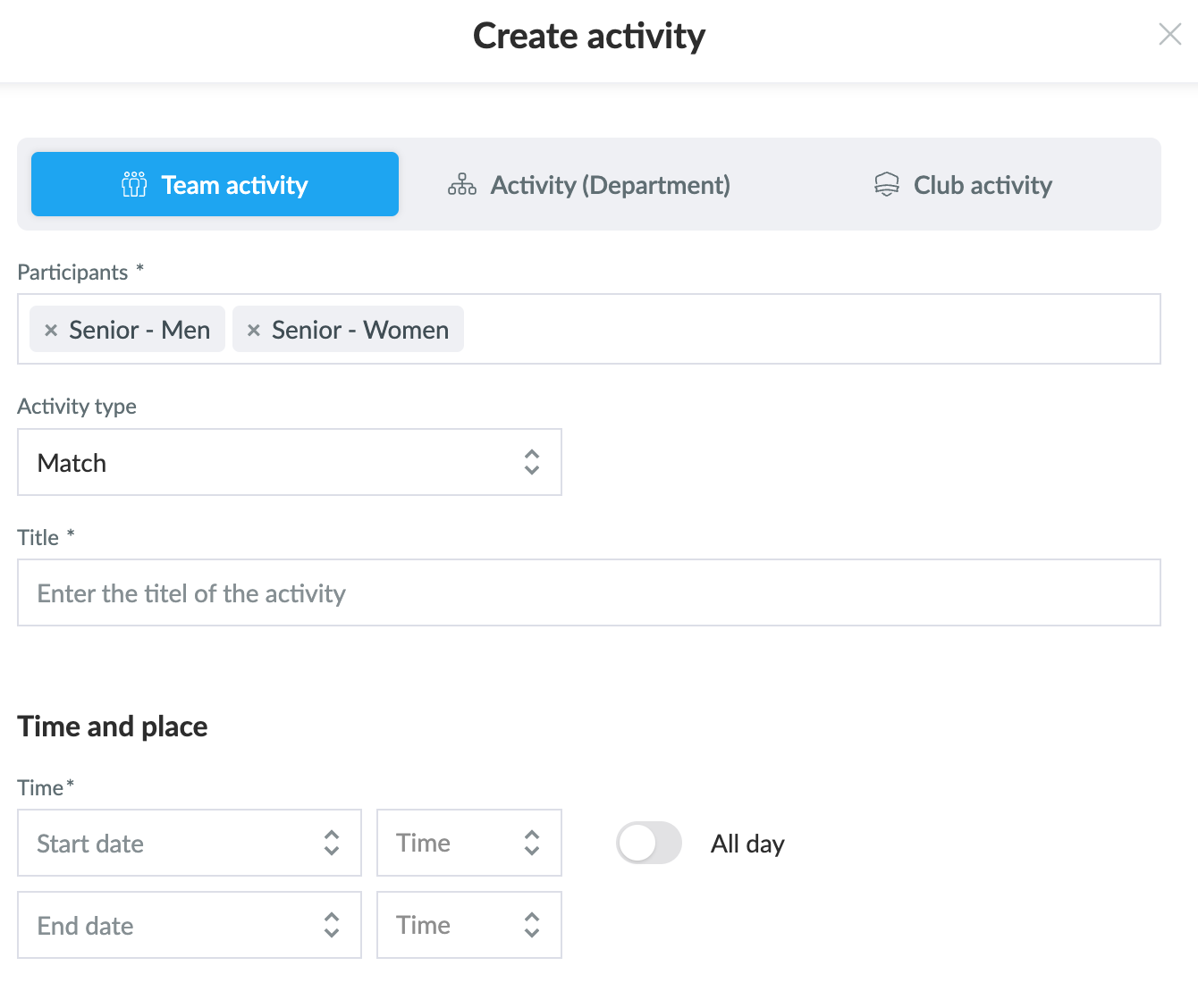
- Choose Create activity and Team activity
- Then select the teams that should partipate in the activity
- Put in all the necessary information, as you would do with an activity for one team. Here, you can find more about How to create a team activity.
- Click on save. Then, the activity will be visible in the selected teams' calendars.
Var denne artikel brugbar?
1 af 1 synes dette var brugbart