How do I change my time zone and language?


Open Profile settings and Language and time zone

  1. Press at the top right
  2. Press PROFILE SETTINGS
  3. Press Language and time zone
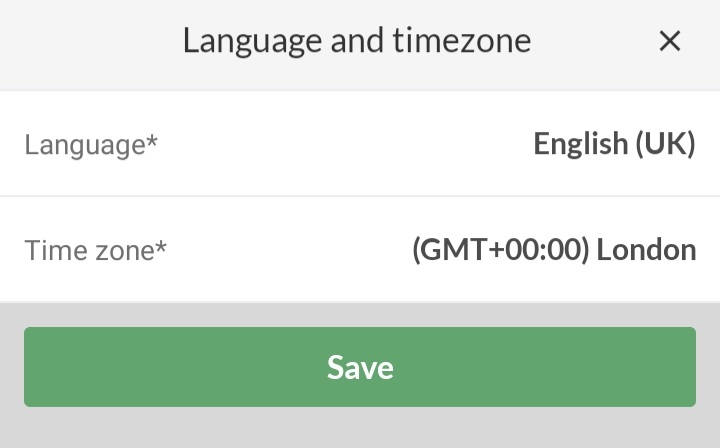
  4. Select Language and/or Time Zone


This is what it typically looks like when you are in the UK.


Open Profile settings and Language and time zone

  1. Click on at the top right
  2. Click on PROFILE SETTINGS
  3. Click on Website preferences on the left
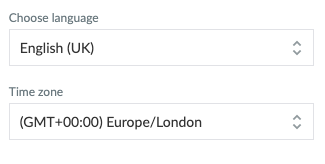
  4. Select Language and/or Time Zone


This is what it typically looks like when you are in the UK.
Var denne artikel brugbar?
0 af 1 synes dette var brugbart

Klar til at komme i gang?

Udforsk Holdsport, eller opret en konto med det samme og begynd at administrere din klub. Du kan også kontakte os for at få hjælp til opsætningen af din klub.
Hvad koster det?
Hvilke behov har din klub? Basis eller PRO abonnement?
Priser
Funktionsoversigt
Ingen 2 klubber er ens. Vores funktioner dækker dine behov.
Funktionsoversigt