Can I see activities on multiple teams at the same time?
Go to Calendar
- Press Activities at the bottom of the screen
- Press Filter at the top
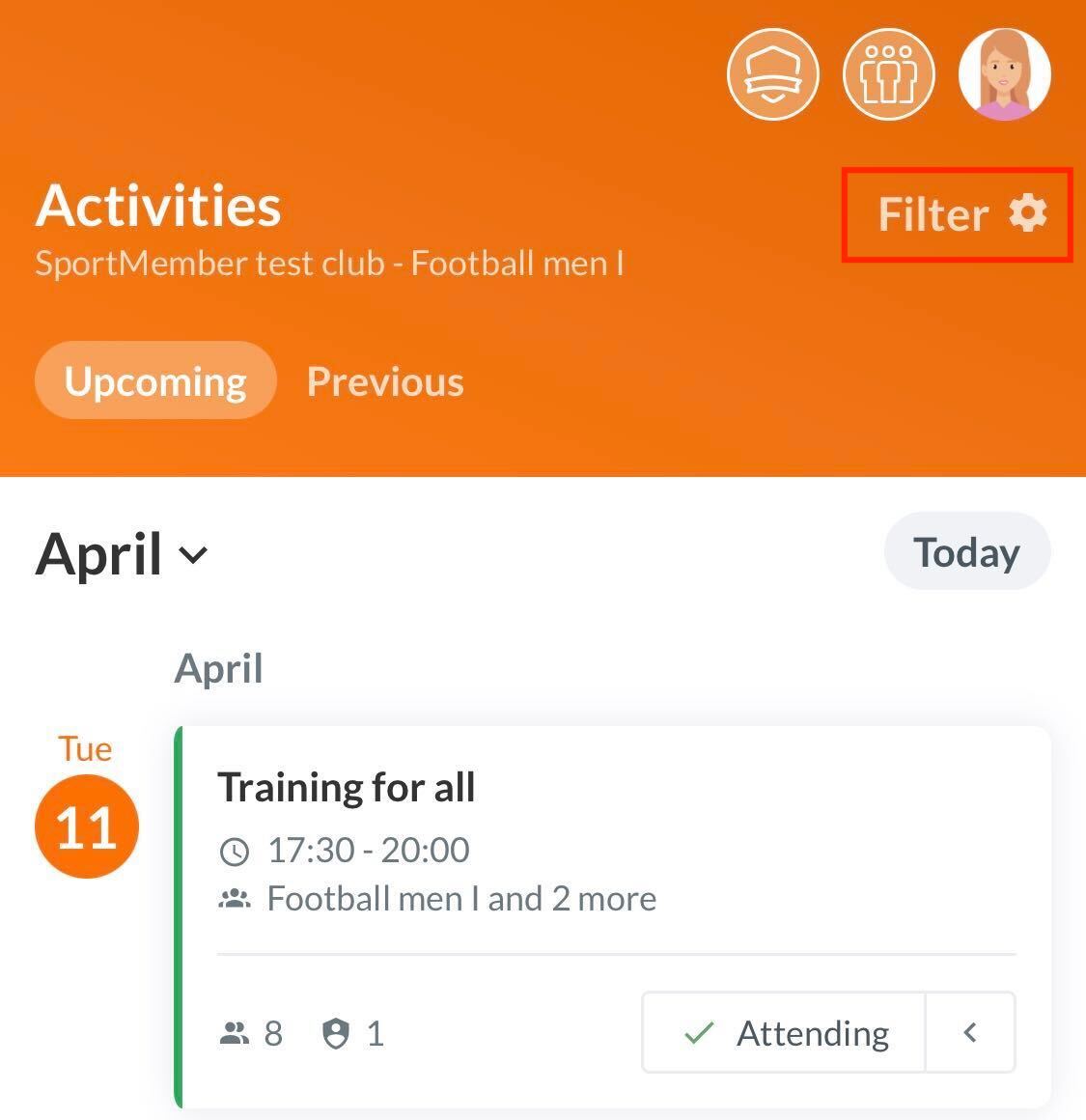
You can both view activities of all teams you are affiliated to. But also activities of your child/children's team, if you are set up as a parent profile.
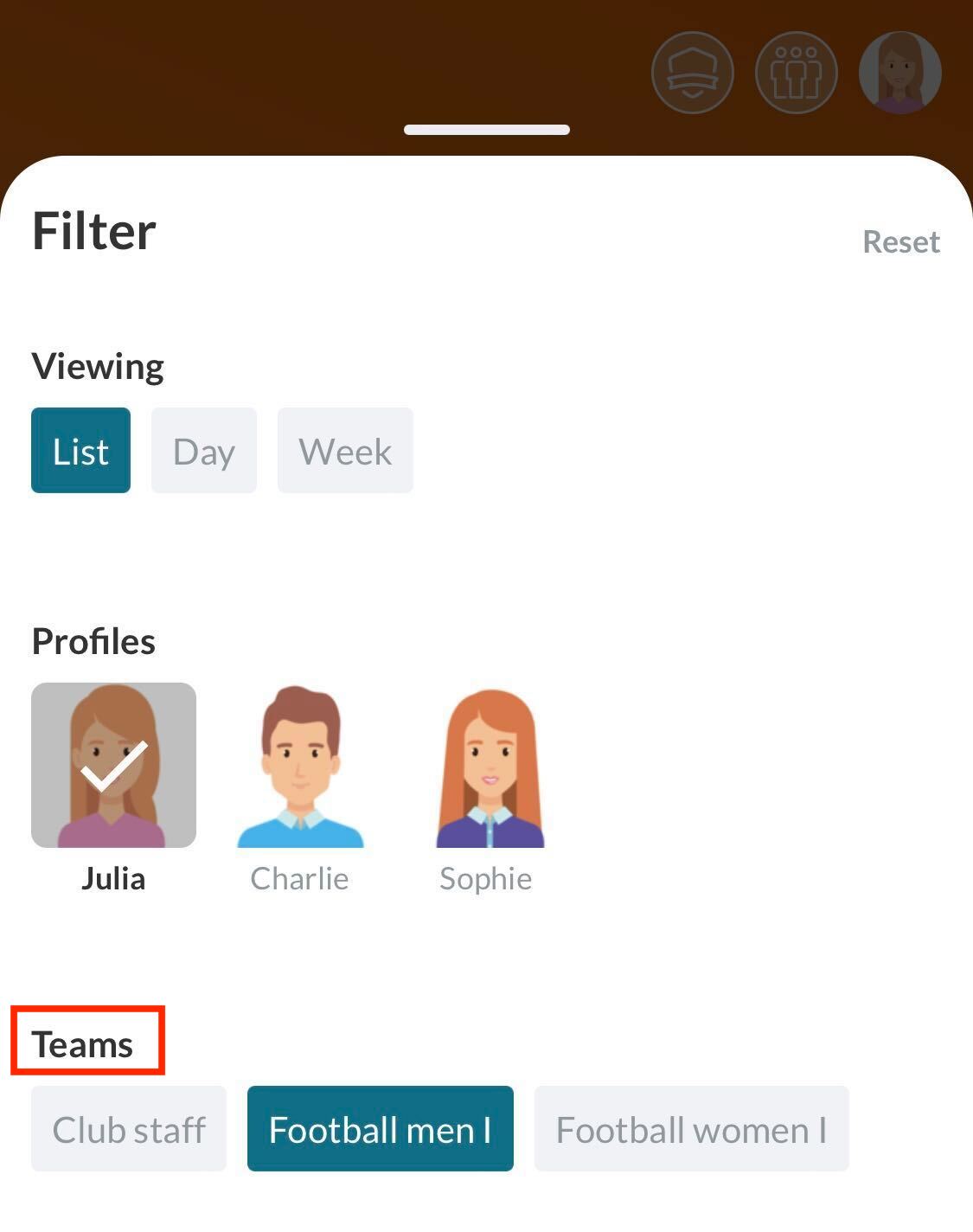
All my teams
Under the filter function on Team you can select the teams you want to be displayed. You can select one team, several teams or all teams.
All profiles' teams
Under Profiles you can select whose activities are displayed. Here you can also select one or more profiles.
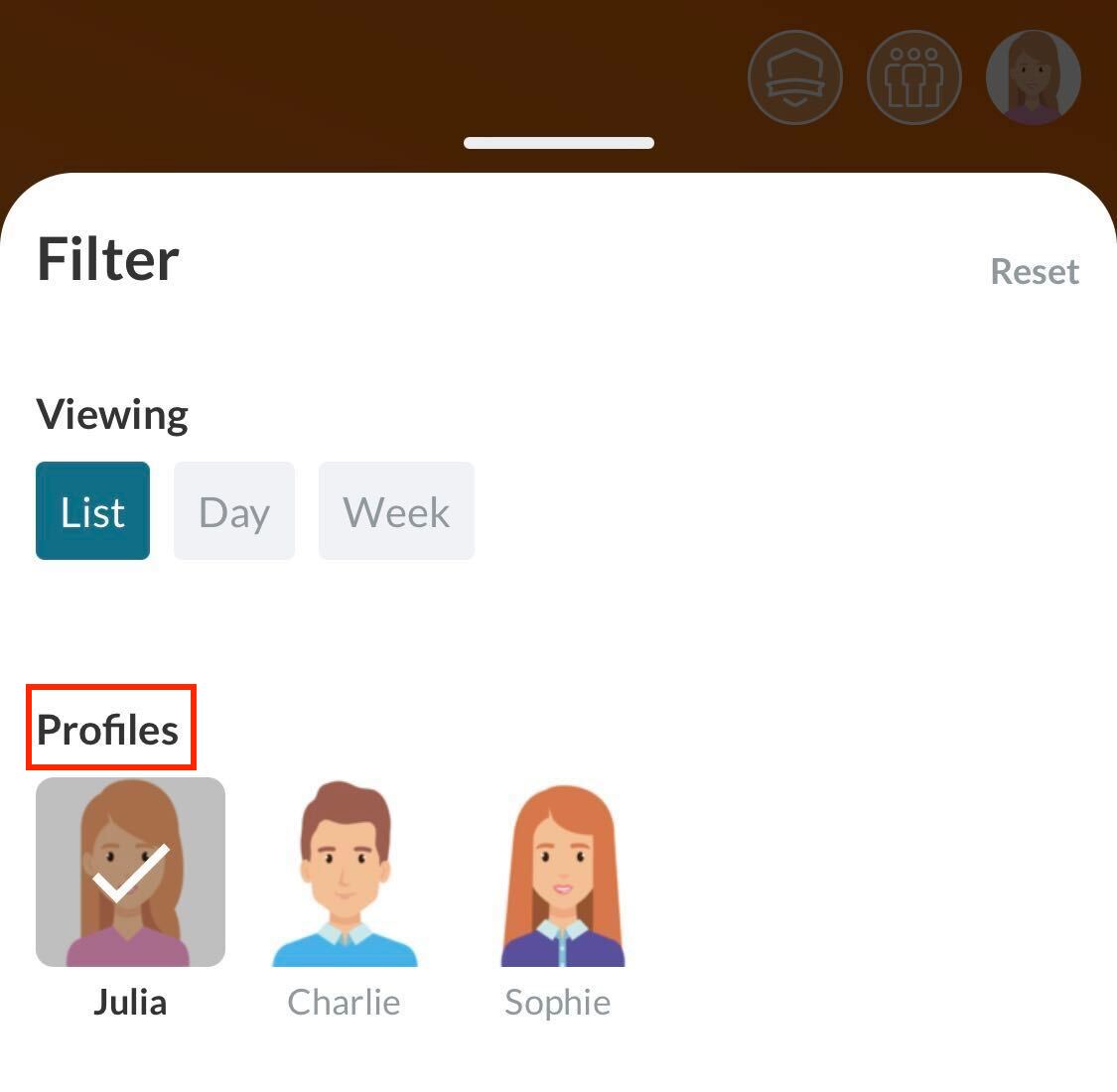
You can combine multiple calendar views into one, so to speak, and view the activities of all your linked profiles.
All your cross-team activities, as well as the cross-team activities of your children, can be displayed in your calendar.
Note: As a parent, you CANNOT sign up for your child's activity. You need to switch to the child's profile to be able to sign up the child.
Sort by specific activity type and registration status
Under Activity type or on Registration status you can filter for specific activity types or the registration status
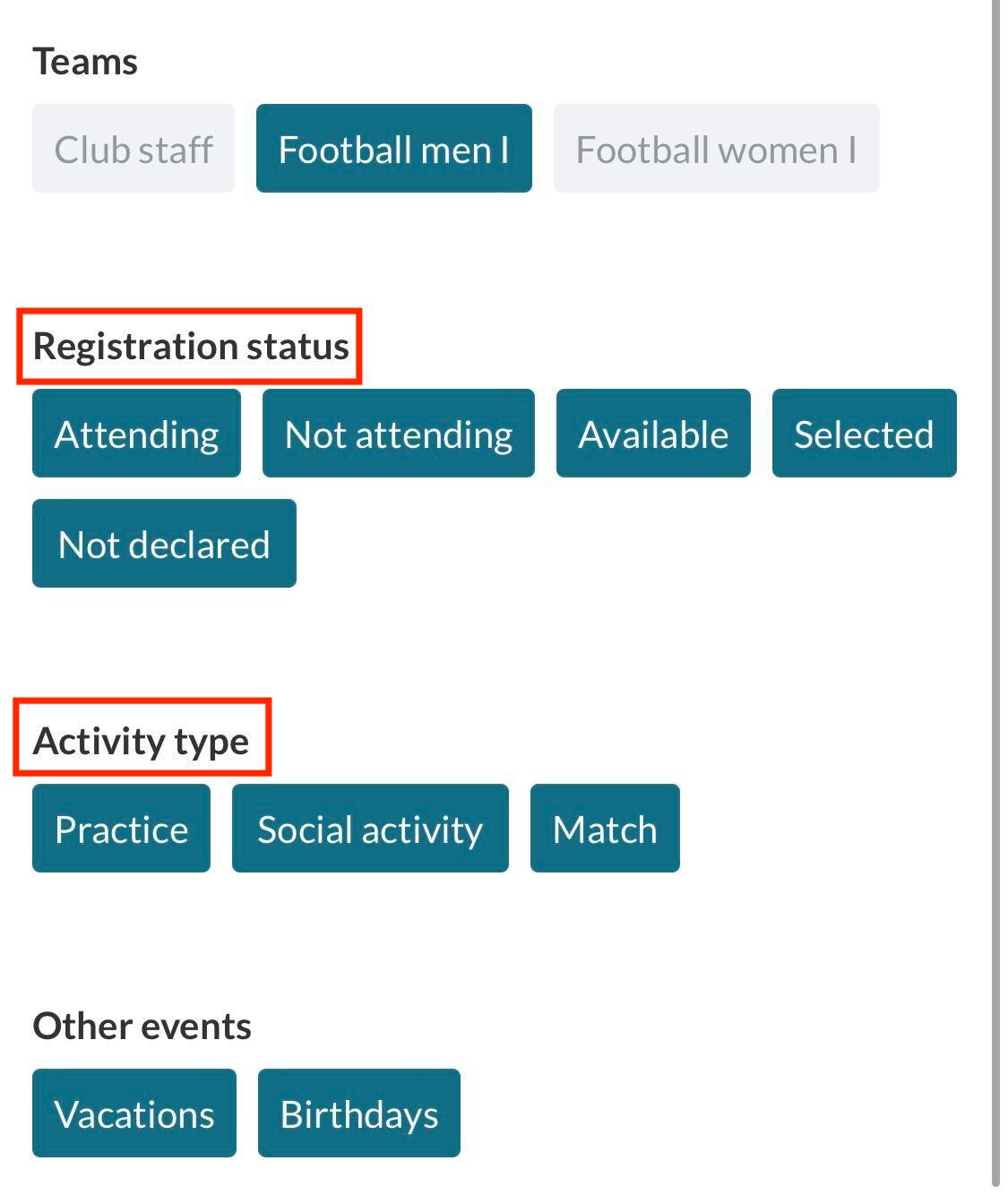
Now only the activities and/or registration statuses you want will appear in your calendar.
Go to Calendar
- Click on on the left
- Click on Calendar on the left
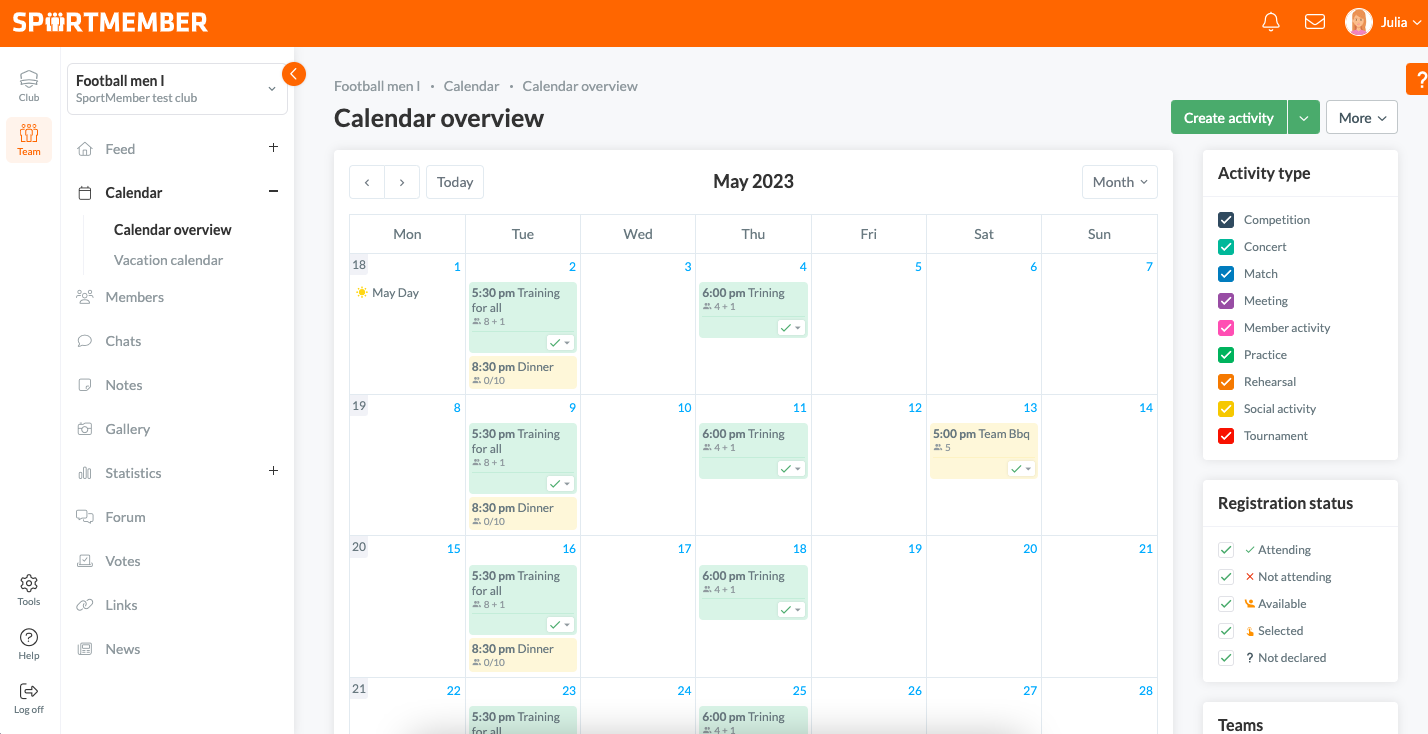
You can view the activities of all the teams you are affiliated to. But also activities of your child/children's team, if you are set up as a parent profile.
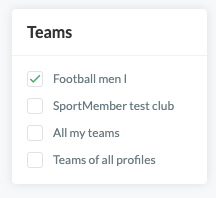
All my teams
- Tick All my teams at the bottom of the Teams section on the right
Now all your activities across your teams will appear in your calendar.
All profiles' teams
- Tick All my profiles' teams at the bottom of the Teams on the right section
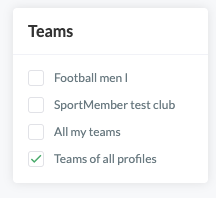
Now all your activities across teams, as well as all your children's activities across teams, will appear in your calendar.
Note: As a parent, you CANNOT sign up for your child's activity. You need to switch to your child's profile to be able to sign them up.
Sort by specific activity type and registration status
- Tick your desired activity types under Activity type on the right or your desired registration statuses under Registration status
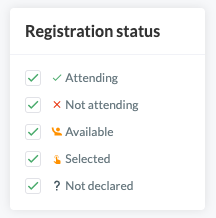
Now only the activities and/or registration statuses you want will appear in your calendar.