How do I delete a member?
Go to Members
- Click on at the bottom of the screen
- Find and select a member and click on the name
- click on
- Click on Delete member from team
- Confirm deletion by clicking on the red Delete connection button
The member is now deleted from the team.
Note: If the member is on more than one team on SportMember, he/she will only lose the connection to this team by this action
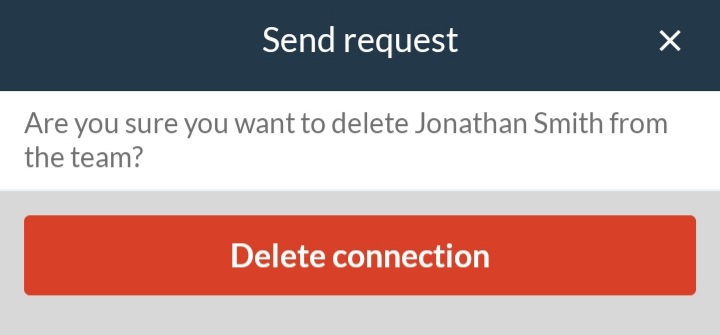
If your club uses SportMember and has blocked coaches from deleting members from teams, you can only request deletion. It is now up to the club administrator to delete the member.
Instead of "Delete connection" you will need to click "Send request" for deletion on teams. Please write a message to the club administrator regarding the reason for deletion.
Go to Members
- Click on on the left
- Click onMEMBERS
- Click on on the far right of the member's name in the column Actions
- Confirm deletion by clicking on the red Delete button
The member is now deleted from the team.
Note: If the member is on more than one team on Teamsport, he/she will only lose the connection to this team by this action
- TIP: You can delete several members at once by ticking the box to the left of the members' names. Then click on in the top blue box under the column Actions

If your club uses SportMember and has blocked coaches from deleting members from teams, you can only request deletion. It is now up to the club administrator to delete the member.
Instead of "Delete connection" you will need to click "Send request" for deletion on teams. Please write a message to the club administrator regarding the reason for deletion.