How do you assign a board member to a team?
Der findes ikke noget svar på dette spørgsmål, som er relateret til brugen af Holdsport fra appen.
Open Members
- Click on on the left
- Click on MEMBERS
- Click on More on the right
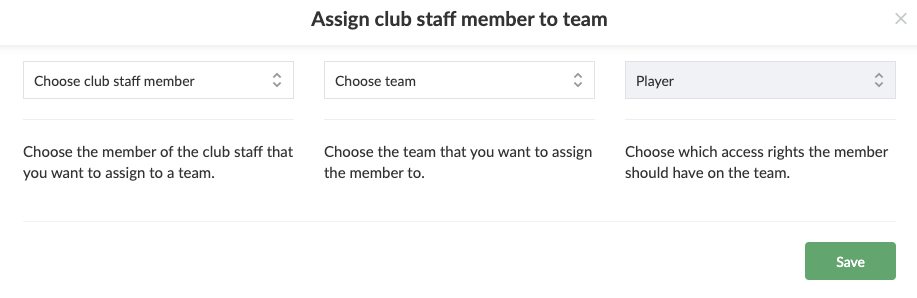
- Click on Assign club staff member to team
- Select club staff member in the first field
- Select team in the second field
- Choose if the person will be a member or coach of the team
- Finish with Save
- TIP: If the board member is already on at least one team in the club (besides Club Staff), you should use the move member function or move coach function instead
Var denne artikel brugbar?
0 af 0 synes dette var brugbart