PRO

How do I add products in the webshop ?

How does the webshop work?

- Offer your members to buy club products via your own webshop on SportMember


- Only the club administrator and/or treasurer can manage products/prices/order management


- Promote new products/promotions/offers via email directly to members


- Members can pay with credit card. The cost of the administration fee is either the club's or the member's


- Create optional products individually or as sets (e.g. game sets) in an unlimited number
Der findes ikke noget svar på dette spørgsmål, som er relateret til brugen af Holdsport fra appen.

Create new product

  1. Click on the green Create product button


Enter all information regarding the product(s):


  • Product name
  • Price
  • Product description
  • Gender (optional)
  • Category (optional): Create your own category by typing the title and press Enter
  • Name print and any additional price: Give members the opportunity to buy the item with their name on it
  • Number print and possible additional price: Give members the option to buy the item with a number on it
  • Insert image(s)
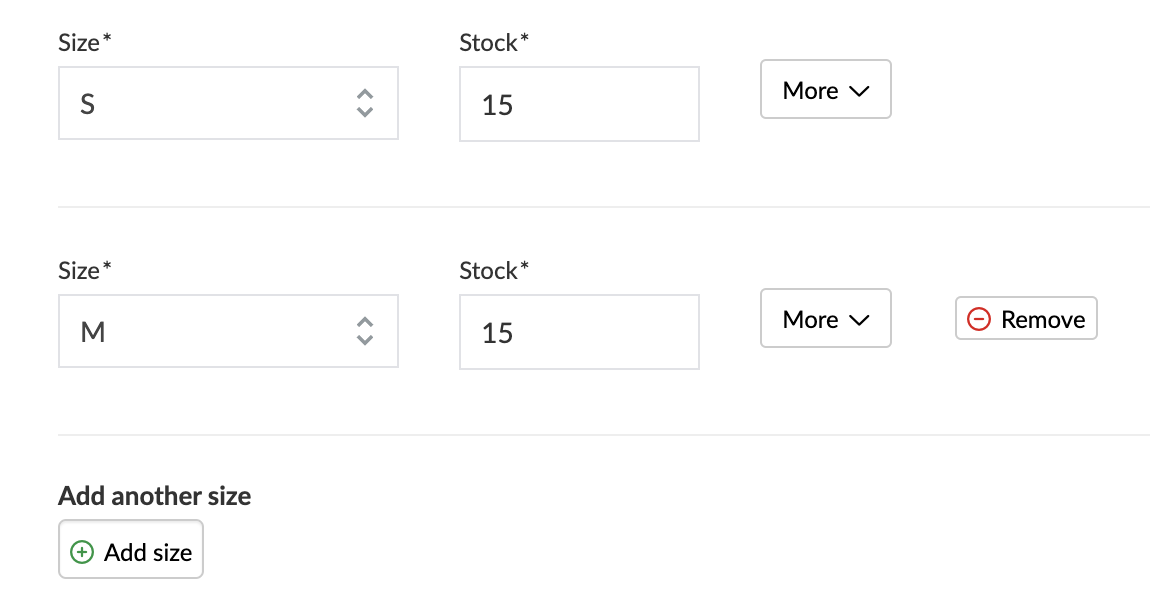
  • Size: Create your own size by typing the title and finish with Enter
  • In stock: Automatically counts down when an order takes place
  • Finish with Save

TIP: If you do not have the item in stock before it is created, simply enter a fictitious stock number (possibly a high number). Just remember to inform the buyer that the item must be ordered home AFTER order confirmation


The "More" field allows you to add extra text about the size and specify a special price for this specific size that differs from the standard price.

The product is now active in the webshop, which means that members across all teams in the club can access the webshop and make purchases.


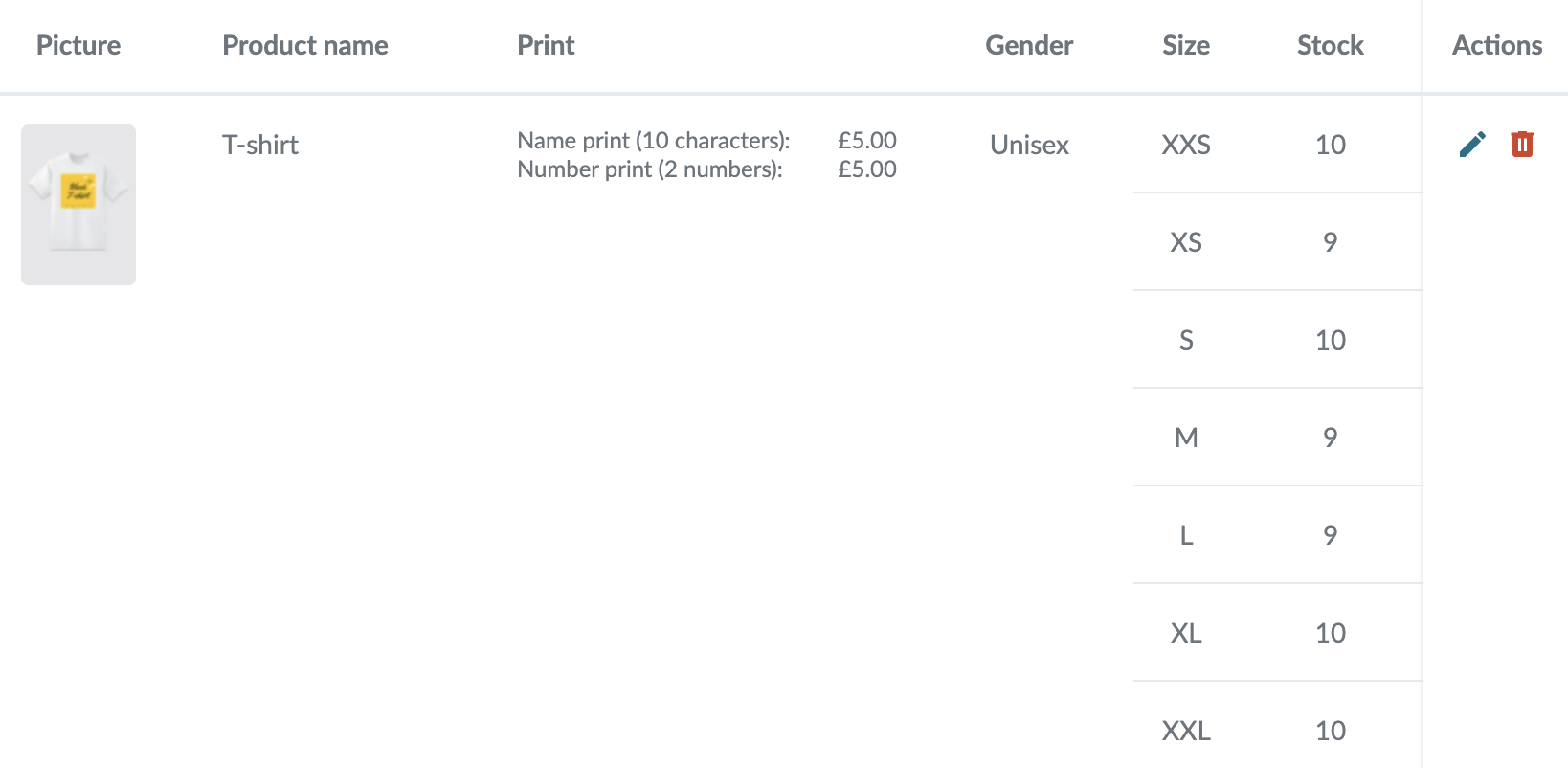
In the webshop, you now see an overview of the products you offer to members.

Edit the product via or Delete via


Var denne artikel brugbar?
256 af 361 synes dette var brugbart

Klar til at komme i gang?

Udforsk Holdsport, eller opret en konto med det samme og begynd at administrere din klub. Du kan også kontakte os for at få hjælp til opsætningen af din klub.
Hvad koster det?
Hvilke behov har din klub? Basis eller PRO abonnement?
Priser
Funktionsoversigt
Ingen 2 klubber er ens. Vores funktioner dækker dine behov.
Funktionsoversigt