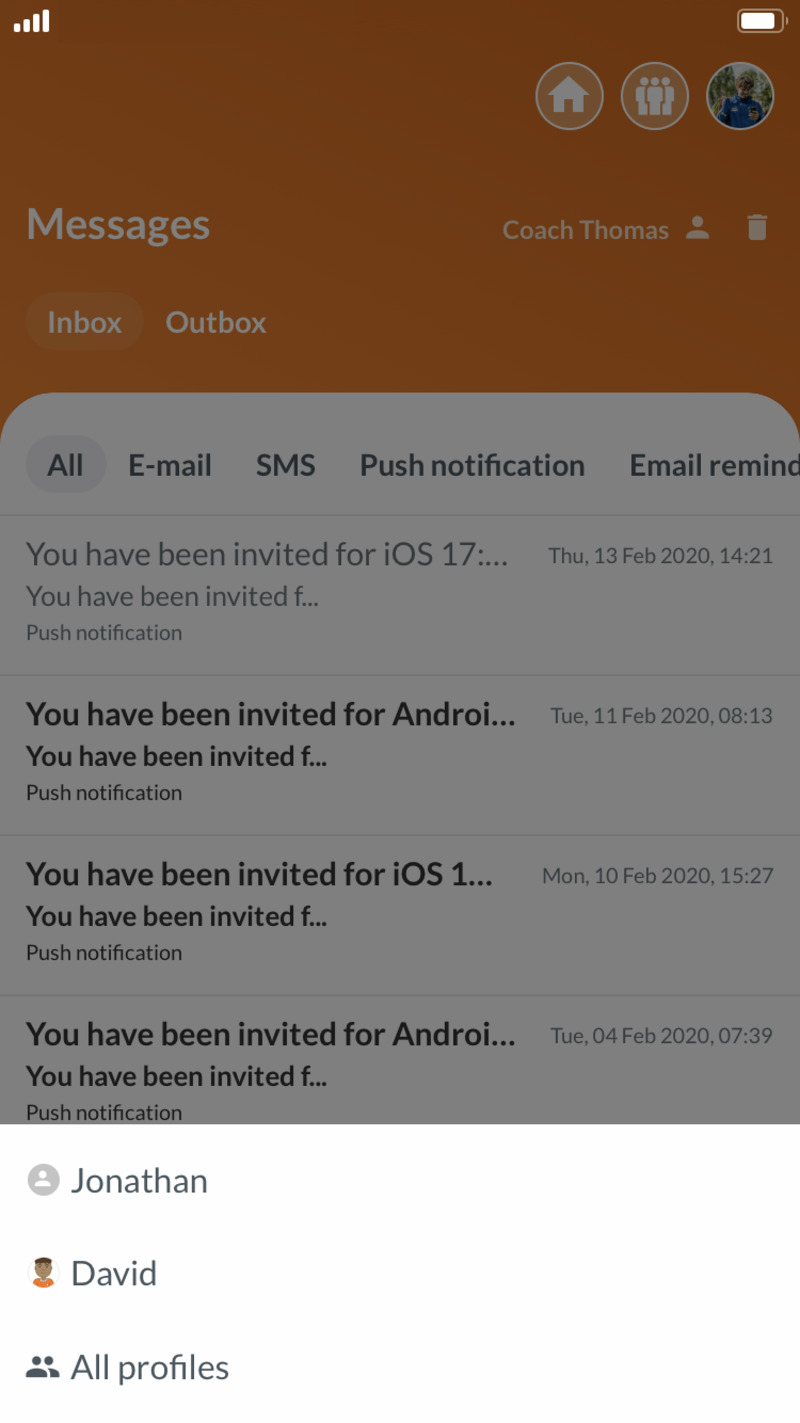
Keep track of all the messages to your children, in one joined inbox
Do you have multiple profiles on SportMember, perhaps consisting of your own profil and multiple children connected to your profile, then it can be quite difficult to keep track of which messages are for which profile.
With the inbox in SportMember you have the option of filtering your messages, choosing which kind of messages you wish to see, and messages for whom specifically you wish to see.
Filtering of the inbox
In the inbox you have multiple options of filtering the various messages you've received:
- All messages
- Only emails
- Only push messages
- Only reminders
You also have the option of choosing specifically which profile you wish to access, giving you the option of viewing messages sent to the person specifically or for every connected profile.
The option of filtering the inbox is exclusive to SportMember Premium users.